The ROBOCAP
The ROBOCAP
$229 · Ships December 2025
4 RGB Cameras
4 RGB Cameras
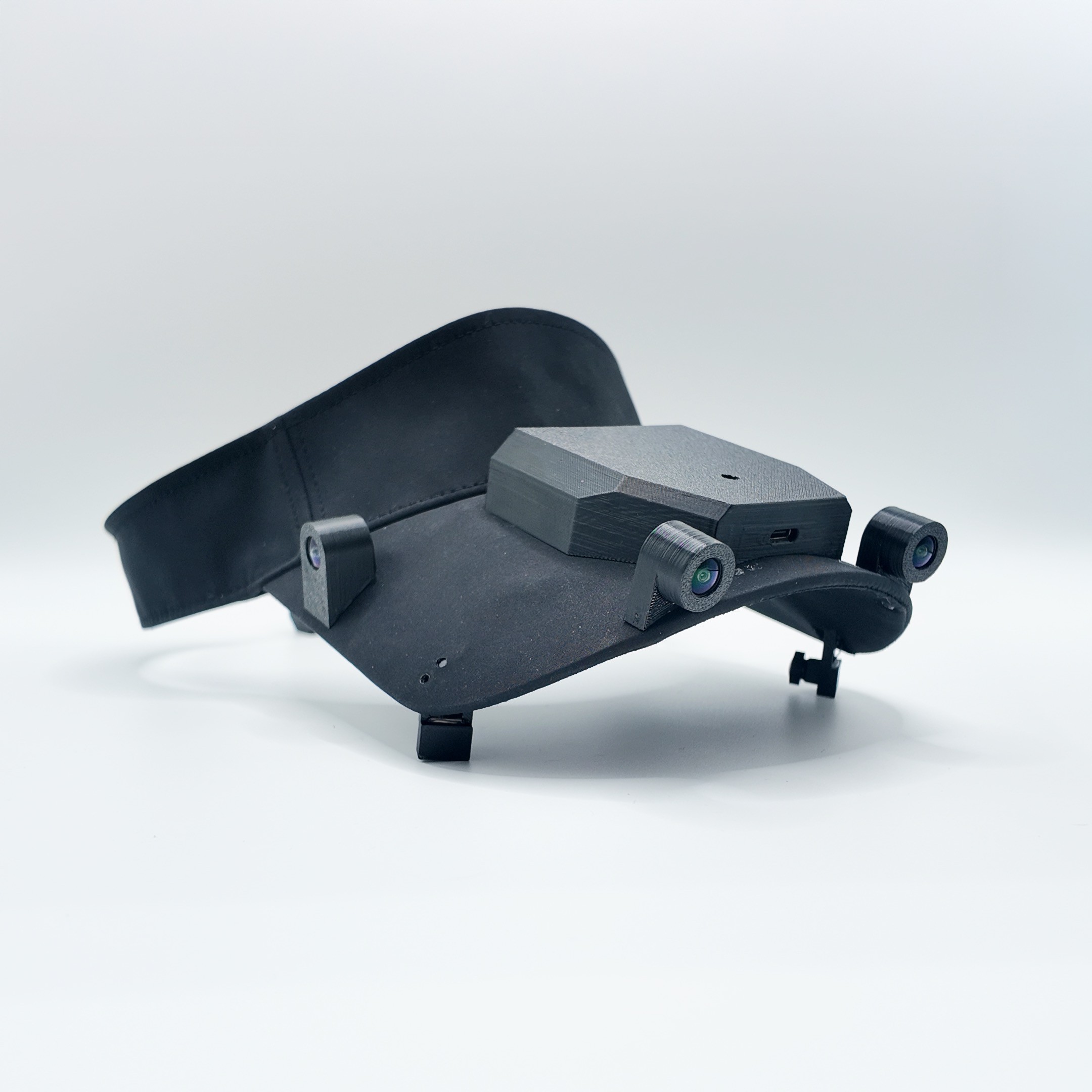
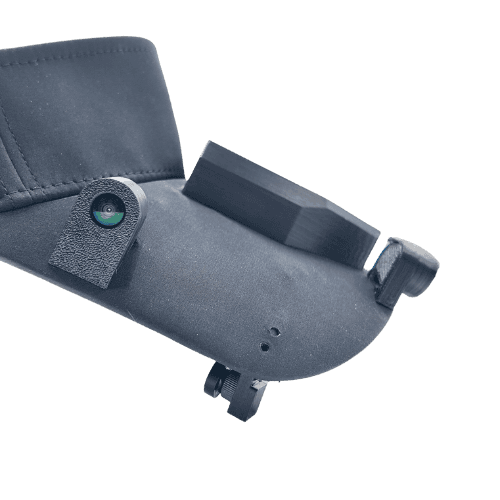
2 Eye-Tracking Cameras
2 Eye-Tracking Cameras
10 Hour Storage
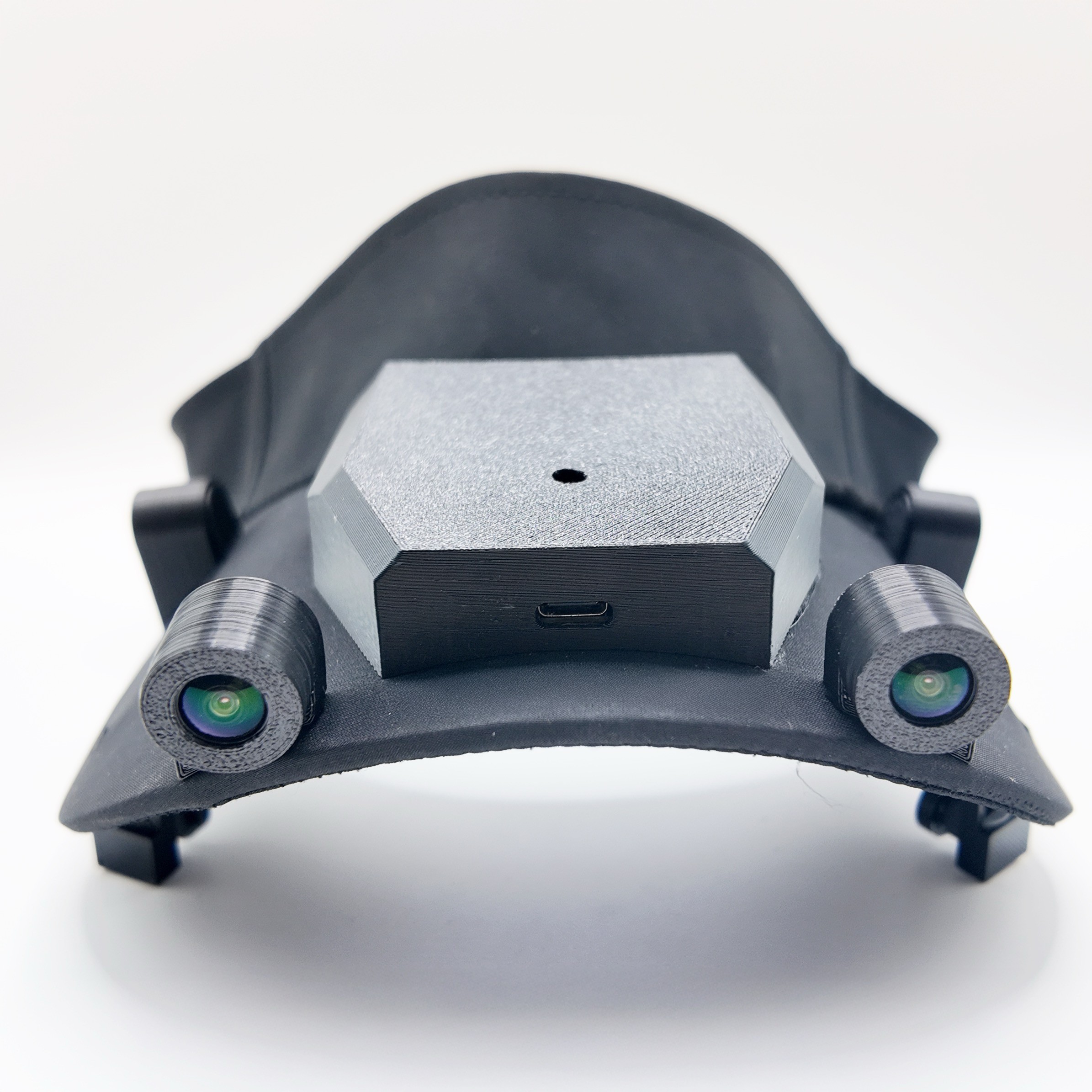
Hardware Details
Camera
Sensor: SC230AI | Resolution: 1920X1080
| POSITION | VFOV | HFOV | FPS(Max) |
|---|---|---|---|
| left-eye | 108° | 152° | 30(90) |
| left-front | 108° | 152° | 30(30) |
| right-eye | 108° | 108° | 30(90) |
| right | 108° | 152° | 30(30) |
| left | 108° | 152° | 30(30) |
| right-front | 108° | 152° | 30(30) |
| CPU | DDR | EMMC | WIFI 6 | Charging |
|---|---|---|---|---|
| RK3588 | 8GB | 256GB | N/A | 5V |
IMU
Sensor: ICM-42688-P
| Accelerometer Range | ±2g - ±16g |
| Gyroscope Ranges | ±15.625°/s - ±2000°/s |
| ODR(Max) | 100HZ (32kHZ) |
In partnership with


FAQ
FAQ
Data Transfer
Video data from 6 cameras are recorded in MP4 format and 3 IMUs in DB format. It's saved in the local storage which you can then transfer via a USB-C connection to a MAC / PC.
Power Consumption?
About 4w on average. a 12,000mAh battery pack (44.4Wh) provides roughly 11 hours of use. 44.4Wh / 4w = 11.1h
Why's there 2 USB-C Ports?
The first USB-C post closer to the forehead is for data-transfer. The second USB-C port in the back of the head is for power input.
How to export recording?
Connect RoboCap (forehead part) to your computer with a USB-C cable. Recording will stop, and a solid red light will appear. The device now functions like an external storage allowing you to copy all recorded files to necessary locations.
How to start/stop recording?
This version will begin recording automatically, indicated by a solid green light as soon as the power is provided through the power input via USB-C. To stop recording, disconnect the USB-C cable.
Will I get a power bank?
No, shipping large amounts of high power batteries from China is tough to the US right now. So here’s a link to buy a great pocket size power bank from Amazon.
Data Transfer
Video data from 6 cameras are recorded in MP4 format and 3 IMUs in DB format. It's saved in the local storage which you can then transfer via a USB-C connection to a MAC / PC.
Power Consumption?
About 4w on average. a 12,000mAh battery pack (44.4Wh) provides roughly 11 hours of use. 44.4Wh / 4w = 11.1h
Why's there 2 USB-C Ports?
The first USB-C post closer to the forehead is for data-transfer. The second USB-C port in the back of the head is for power input.
How to export recording?
Connect RoboCap (forehead part) to your computer with a USB-C cable. Recording will stop, and a solid red light will appear. The device now functions like an external storage allowing you to copy all recorded files to necessary locations.
How to start/stop recording?
This version will begin recording automatically, indicated by a solid green light as soon as the power is provided through the power input via USB-C. To stop recording, disconnect the USB-C cable.
Will I get a power bank?
No, shipping large amounts of high power batteries from China is tough to the US right now. So here’s a link to buy a great pocket size power bank from Amazon.
5